The short version
- To describe a gradient well, name a place, a time of day and a feeling rather than listing colours and settings.
- In Gradiently's Forge, a sentence becomes a full Mark: the AI chooses the material, palette, motion and type, and every control stays yours to change.
- Short follow-ups such as warmer, calmer behind the words or slower work better than rewriting the whole description.
- You can start from an existing Mark and ask for a new one like it, which becomes your own private draft while the original stays as it is.
- Every change the AI makes is saved as a version first, so you can compare and restore.
On this page
The best way to describe a gradient to Gradiently's AI is to describe a scene, not a swatch: a place, an hour and a mood, like fog over a harbour at dawn or a jazz bar at 2am. From one sentence like that, the Forge makes a complete Mark, choosing the material, the palette, the motion and the type. Every control stays yours to change afterwards, so the sentence only has to get you close.
This guide covers what to write, how to refine the result, and how to describe a Mark that already exists. For the vocabulary of colour, material and light in general, see how to describe a gradient to an AI.
Where to describe a Mark
- The Forge home. Choose Describe it to the AI and write how it should feel. The Mark opens in the Forge as your private draft.
- Inside the Forge. The Start section has Describe it, and the AI panel beside the stage can change anything you are looking at.
- In the Studio. Ask the Designer for a new Mark for the design you are working on, for example a new Mark for this design, warmer and calmer.
- From your own AI assistant. Connected over MCP, an assistant can forge a recipe with the
make_marktool and save it as your draft withsave_mark.
What makes a good description
A Mark has a lot of parts: material, colours and their roles, light, grain, motion, particles and two typefaces. A sentence that names a scene gives the AI evidence for all of them at once. A quiet library in the first snow implies a pale, cool ground, soft texture, slow movement and a bookish type voice, without you having to say any of that.
| Ingredient | Why it helps | Example words |
|---|---|---|
| A place | Sets material and texture | harbour, rooftop bar, greenhouse, gallery |
| A time or light | Sets ground, brightness and glow | dawn, last hour of daylight, 2am, overcast noon |
| A mood | Sets contrast, pace and voice | quiet, loud, precise, tender, restless |
| What it is for | Keeps it usable behind words | for a coffee brand, for long reads, for a launch |
| One material word (optional) | Pins the surface when you know it | silk, grain, glass, brushed steel, paper |
Gradiently's own starting ideas show the pattern: a warm Mark for a coffee brand, slow and soft; cold, precise, like brushed steel; a calm night sky for a meditation app; a juice bar on the beach: bright, fresh, a bit loud. Each says what it is for and how it should feel, and leaves the settings to the AI.
Descriptions to avoid
Vague or over-specified
- A nice gradient
- Purple and pink
- Modern, clean, premium, bold, minimal, fun
- #6d3fc7 to #f472b6 at 135 degrees with 12% grain
Specific and scenic
- A rooftop bar at the last hour of daylight
- Violet dusk over a city, calm enough for headlines
- Precise and calm, like a watchmaker's bench
- Deep violet to warm pink, soft grain, slow drift
Stacked adjectives cancel each other out: bold and minimal, fun and premium. Pick one direction. And if you already know exact hex codes, you may be better off setting the palette by hand in the Colour section of the Forge, then asking the AI for the material and motion.
How to refine a Mark after the first result
Treat the first result as a sketch. Rather than rewriting your description from scratch, ask for one change at a time in plain words. The AI works on what is on the stage, so short follow-ups keep everything you liked.
- 1
Read it with words on it
Switch the stage to Try words and type a real headline. Legibility problems show up immediately.
- 2
Ask for one change
Gradiently's suggested follow-ups are a good model: warmer, and calmer behind the words; more contrast, so a headline reads from across a room; slower, like the last hour of daylight; a voice with more character.
- 3
Point at a part
Select a colour or a layer and the request applies to it, so make this deeper changes just that colour rather than the whole Mark.
- 4
Attach a picture if words fail
The AI accepts a photo or a logo alongside your message. For a whole picture of the look you want, Match a picture is built for exactly that.
- 5
Compare before you keep it
The Mark is saved as a version before every AI change. Open Versions to compare two side by side and restore either.
Describing a Mark like an existing one
Sometimes the best description is a Mark you have already seen. On a published Mark, which is fixed, the AI offers requests like a new Mark from this one, warmer and calmer, the same feeling, on a light ground or a quieter Mark for long reads. The result becomes your own private draft, and the Mark you started from stays exactly as it is.
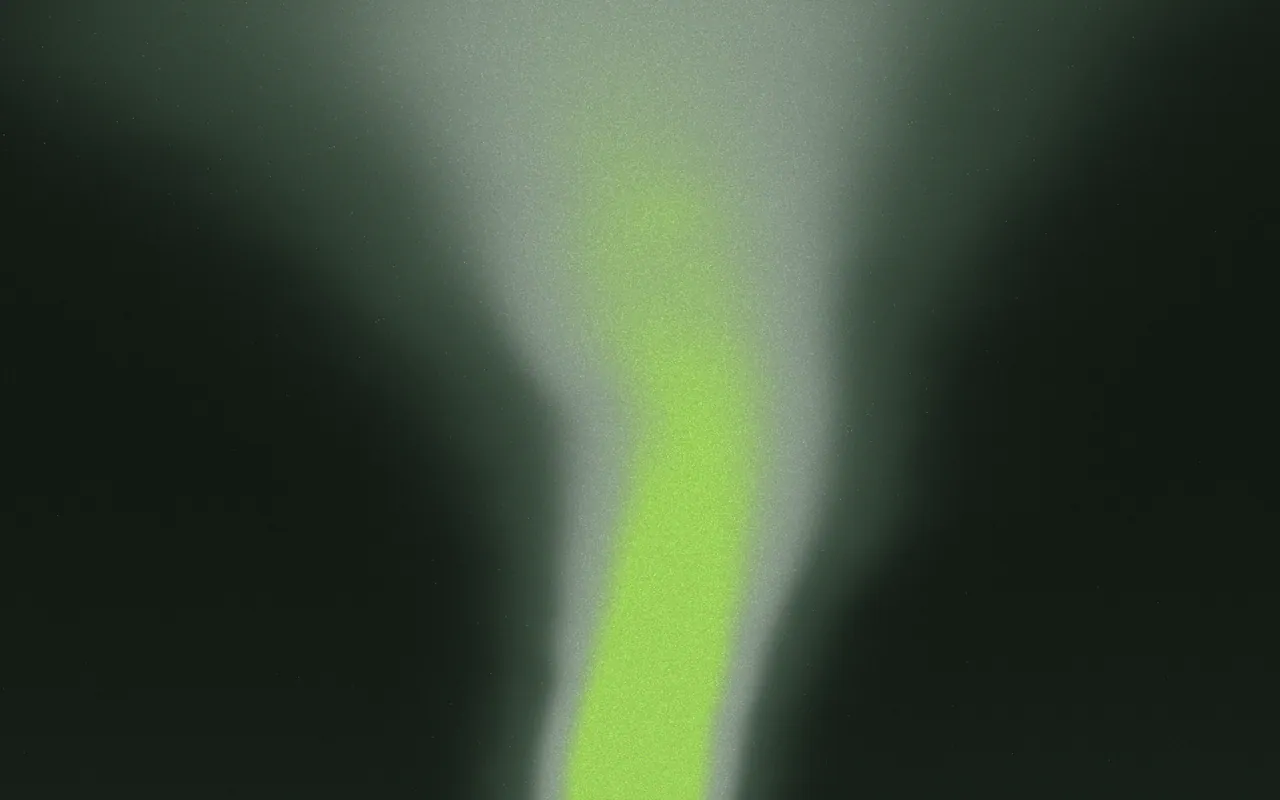
GR·8SN2·Q6
Sirocco Mist
See this MarkThe AI never copies other people's Marks or private designs, and anything you make still goes through the same originality check when you publish: if it is too close to an existing Mark, publishing is refused until you move it further. AI design originality explains why that matters.
Questions people ask
How do I describe a gradient so the AI gets it right?
Name a place, a time of day and a mood, and say what it is for. A scene like fog over a harbour at dawn tells the AI more than a list of colours.
Can I edit a Mark the AI made?
Yes. Every control in the Forge stays yours to change, and you can keep asking the AI for changes in plain words.
Can I ask for a Mark like one I found in the Market?
Yes. Ask for a new Mark from it, such as warmer and calmer or on a light ground. It becomes your private draft and the original stays as it is.
What if I don't like what the AI changed?
Every AI change is saved as a version first, so you can compare it with the earlier Mark and restore that instead.
Written by Gradiently
The team behind Gradiently, a design tool built around Marks: living gradients that make everything you design look like yours.
See our profile