Tätä opasta ei ole vielä omalla kielelläsi, joten tässä se on englanniksi.
Lyhyesti
- The best default Instagram post size is 1080×1350 pixels, a 4:5 portrait that fills the most space in the feed.
- Instagram also accepts square posts at 1080×1080 and landscape posts at 1080×566, a 1.91:1 ratio.
- Stories and Reels use a vertical 1080×1920 frame, a 9:16 ratio.
- Instagram displays feed images at up to 1080 pixels wide, so uploading larger adds nothing and lets the app resize your design.
- The profile grid shows posts as cropped portrait tiles, so keep important words and logos away from the left and right edges.
Tällä sivulla
The best Instagram post size is 1080×1350 pixels, a 4:5 portrait. It's the tallest shape the feed allows, so it takes up the most room on a phone screen. Instagram also accepts square posts at 1080×1080 and landscape posts at 1080×566, and uses a vertical 1080×1920 frame for Stories and Reels. Unless a design has a good reason to be square or wide, make it portrait.
Every Instagram post size
| Format | Size (px) | Ratio | Best for |
|---|---|---|---|
| Portrait post | 1080×1350 | 4:5 | Almost everything in the feed |
| Square post | 1080×1080 | 1:1 | Designs that must also work on other square formats |
| Landscape post | 1080×566 | 1.91:1 | Wide photos and panoramas |
| Story and Reel | 1080×1920 | 9:16 | Full-screen vertical content |
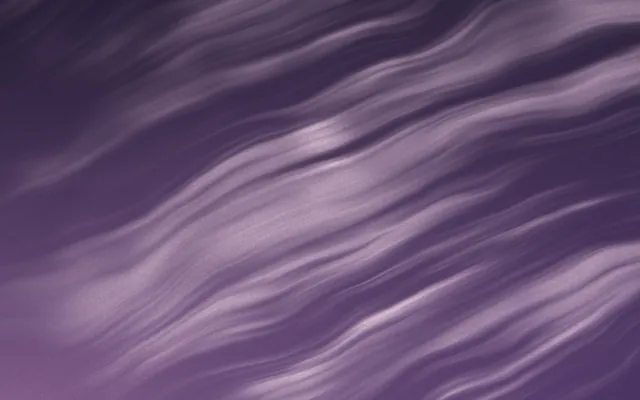
Portrait 4:5
1080 × 1350
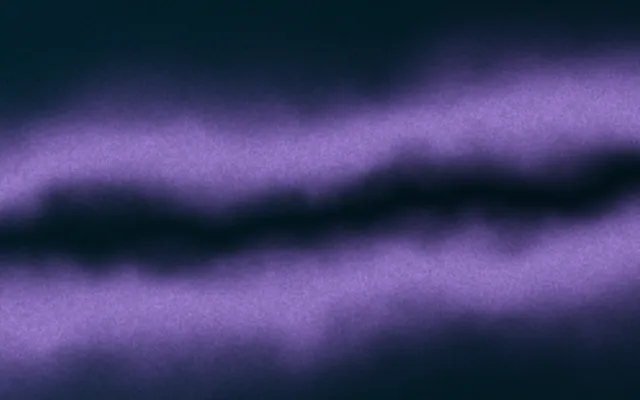
Square 1:1
1080 × 1080
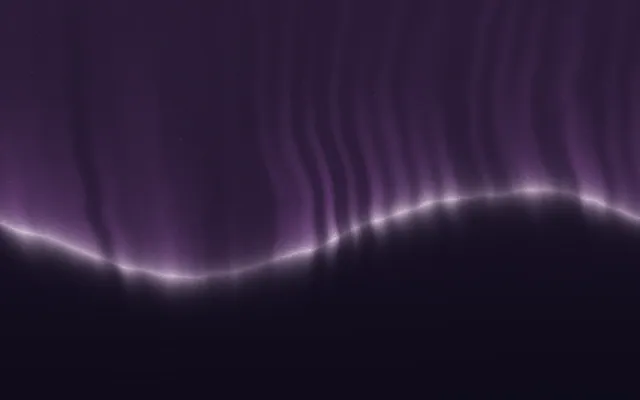
Landscape 1.91:1
1080 × 566
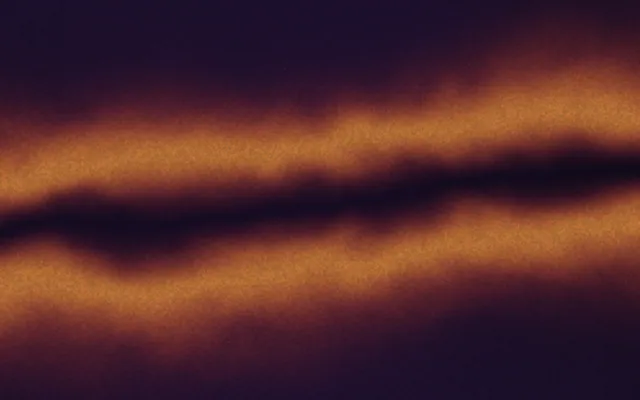
Story and Reel 9:16
1080 × 1920
Instagram shows feed images at up to 1080 pixels wide and scales anything larger down. Uploading at 1080 wide gives you control over how the image is sharpened and compressed, rather than leaving it to the app.
Why portrait 4:5 is usually the right choice
In a feed, height is attention. A portrait post occupies more of the screen than a square one as people scroll, which gives your design more time and space to be seen. A landscape post is the smallest of the three in the feed, so save it for photographs that genuinely need the width.
Portrait 4:5: room for a headline, an eyebrow and plenty of background.
Square 1:1: the same design, laid out again. Tighter, but still balanced.
Square still has its place. If one design must also go to formats like a Facebook or LinkedIn square post, or a Spotify playlist cover, a square version saves a layout. But make it as its own layout, not a crop of the portrait.
How the profile grid crops your posts
Your profile grid doesn't show posts at their full shape. It shows them as uniform portrait tiles, slightly narrower than 4:5, cropped from the centre. A 1080×1350 post loses a thin strip at its left and right edges in the grid. Square and landscape posts lose much more of their sides.
Gets cut off in the grid
- Text running close to the left or right edge
- A logo tucked into a side corner
- Wide landscape photos with the subject off-centre
- A panorama split across several posts
Survives the grid
- Headlines centred with generous side margins
- Logos placed top or bottom centre
- Subjects near the middle of the frame
- One idea per post, complete on its own
If you care how the grid reads as a whole, see Instagram grid aesthetic. For multi-slide posts, all slides in a carousel share the shape of the first one, so choose it with the whole set in mind; Instagram carousel design covers the rest.
How to choose the right size for each post
- 1
Default to portrait
1080×1350 for announcements, quotes, offers, tips and most photos.
- 2
Use square for cross-posting
1080×1080 when the same design must appear on another square format without a second layout.
- 3
Use landscape only for wide photos
1080×566 for panoramas and group photos that lose their point when cropped.
- 4
Go vertical for Stories and Reels
1080×1920, with words kept away from the top and bottom. See Instagram Story size for the safe zones.
- 5
Check it at phone size
Preview at the size it will actually appear. Text that needs zooming won't be read.
Exporting Instagram posts so they stay sharp
Instagram recompresses every upload. Photos survive it well; flat colour, fine text and smooth gradients show the damage first, as blotches or visible steps. A few habits help.
- Export at exactly 1080 px wide, in the sRGB colour profile.
- Use PNG for designs with text and gradients, and high-quality JPEG for photographs.
- Add a little grain to large gradients so compression has less to band. Gradient banding explains why this works.
- Keep headline type large enough to read on a phone at arm's length; fonts for social media has suggestions.
Gradiently includes all four Instagram formats as built-in sizes, and copy to sizes lays a finished post out again as a square, a story or any other format, so you don't rebuild it by hand.
Usein kysyttyä
What is the best size for an Instagram post?
1080×1350 pixels, a 4:5 portrait. It fills the most space in the feed of any post shape.
What size is a square Instagram post?
1080×1080 pixels, a 1:1 ratio.
What size is a landscape Instagram post?
1080×566 pixels, a 1.91:1 ratio. It appears smallest in the feed, so use it for photos that need the width.
Why does my Instagram post look cropped on my profile?
The profile grid shows posts as uniform portrait tiles cropped from the centre, so the edges of each post are hidden there. Keep important content away from the sides.
Can I post a tall 9:16 image to the Instagram feed?
Feed photo posts range from 1.91:1 landscape to 4:5 portrait, so a taller image is cropped to 4:5. Use the 1080×1920 frame for Stories and Reels instead.
Should I upload Instagram images larger than 1080 pixels wide?
It isn't necessary. Instagram displays feed images at up to 1080 pixels wide and scales larger uploads down.
Kirjoittanut Gradiently
Gradientlyn tiimi. Gradiently on Markien ympärille rakennettu suunnittelutyökalu: eläviä liukuvärejä, joiden ansiosta kaikki suunnittelemasi näyttää omaltasi.
Katso profiilimme