Tätä opasta ei ole vielä omalla kielelläsi, joten tässä se on englanniksi.
Lyhyesti
- A Mark is Gradiently's unit of visual identity: a living gradient and material background that renders behind everything you design.
- Every Mark is a recipe of colours, up to three stacked materials, light, grain, motion, particles, typefaces and a reaction to words, drawn live rather than stored as a picture.
- Each Mark has a public code like GR·K7Q2·MX, a creator who never changes and exactly one owner at a time.
- Anyone can design with any Mark for free, and claiming a Mark makes you its owner and lets you export designs made with it.
- Before a new Mark is published it is checked against every other Mark, and anything too close is refused.
Tällä sivulla
What is a Gradiently Mark? It is a living background: a recipe of colours, materials, light, grain and motion that Gradiently draws live behind every design you make, from a square post to a print poster. A Mark also carries a pair of typefaces and knows how to make room for words. Each one has a public code, a creator and exactly one owner at a time, which is what turns a pretty gradient into something you can call yours.
This guide explains what goes into a Mark, how it behaves on a design, and what owning one means. If you are new to gradients in branding, gradient branding covers why a consistent, ownable gradient matters in the first place.
A Mark is a recipe, not a picture
A gradient you download is a fixed image. Stretch it into a banner and it distorts; zoom in and it softens. A Mark is stored as the instructions for making the image, so it can be drawn afresh at any size and in any shape. The recipe has the same sections you see in the Forge, where Marks are made.
| Part of the recipe | What it controls |
|---|---|
| Palette | Up to eight colours, each given a job from Shadow to Highlight |
| Material and layers | A base material with up to two more stacked over it, each mixing as Normal, Light, Shade, Contrast or Soft |
| Light | Overall brightness, a fine film grain, and where the large forms fall |
| Motion | How it moves on screen and in videos, from Still to Quick |
| Particles | An optional dust of light in the Mark's own colours, such as Stars, Mist or Embers |
| Type | A headline face and a text face that designs on the Mark start from |
| Reaction | How the material makes room for words laid on it |
Because every part is a setting rather than pixels, two Marks can share colours and still look nothing alike: the same violet in silk reads as luxury, in grain it reads as film, in glassy light it reads as technology. Gradient texture goes deeper on what each material family says.
How a Mark renders behind every design
When you open a design in the Studio, the Mark is the field behind everything else. It is rendered for the exact size of the page, so a story, a header and a slide each get a composition made for their shape rather than a crop of one master image. Where its forms fall is called its arrangement: every design lays the same Mark out its own way, and you can move through arrangements until the light lands where you want it.
One Mark on a portrait post…
…and drawn again for a wide header, not cropped.
The Mark also moves. On screen it drifts, flows or breathes at the pace set in its recipe, and when you export a video the same motion becomes a loop. Still exports simply freeze a moment of it.
How a Mark makes room for words
Most backgrounds fight the words on top of them, and the usual fixes are a box, a shadow or a blur. A Mark knows where your text is. Its calmest, best-contrasting region settles behind the words, colours near the letters deepen or lift, and busy detail relaxes. Auto ink then picks light or dark type for each line from the Mark's own palette, based on what is actually behind it.
Reaction off: the material runs straight through the words.
Reaction on: the calm part of the material sits behind them.
You choose how strongly it responds, from Off through Subtle and Clear to Bold, on each design. The technique is covered in detail in putting type on busy backgrounds.
Mark codes, creators and owners
Every Mark has a public code in the form GR·K7Q2·MX. You can search the Market by that code, typed with or without the dots and in any case, to find the Mark's page. That page shows its colours from darkest to brightest, its typefaces, its materials, who created it, who owns it now, and its full ownership history.
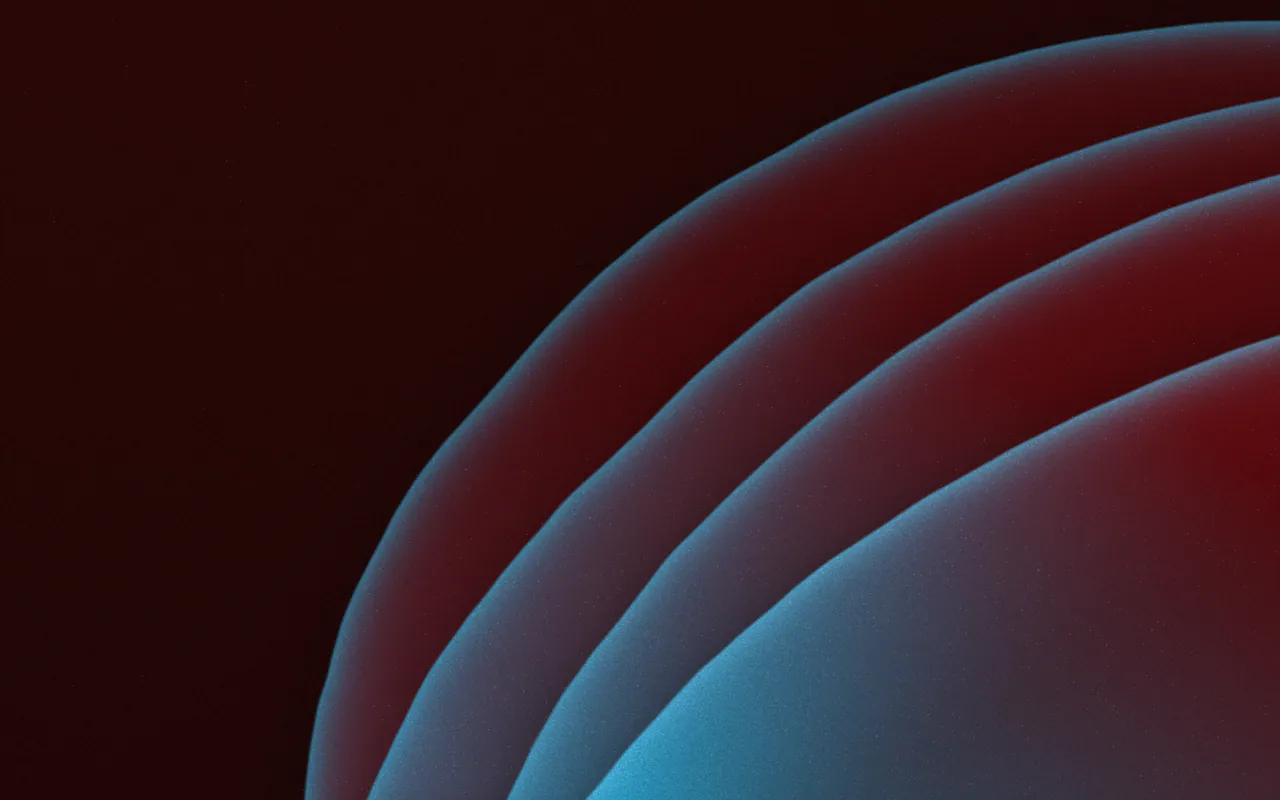
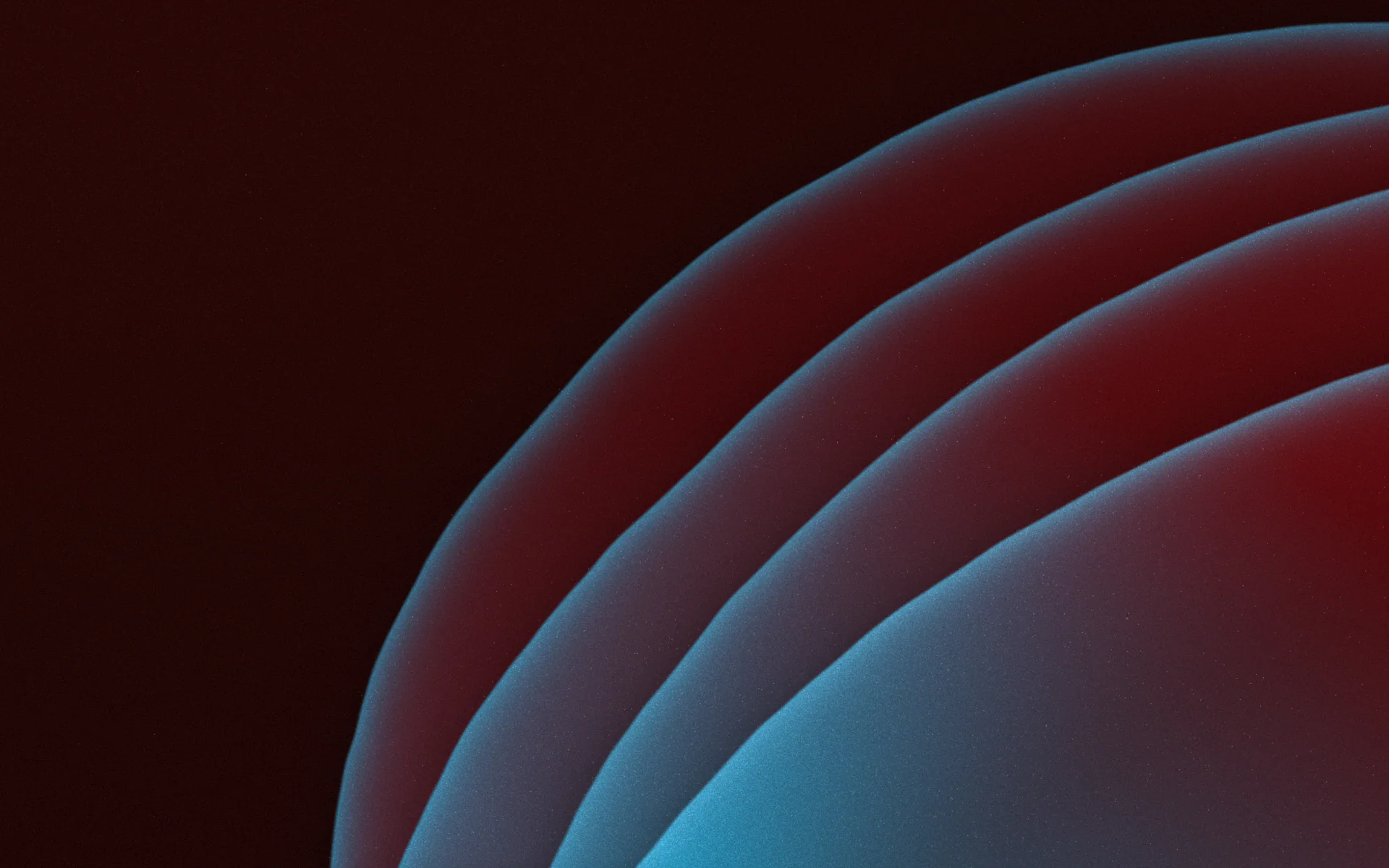
GR·HNN0·SJ
Enamel Porch
Katso tämä Mark- The creator is whoever made the Mark. That never changes, whoever owns it later.
- The owner is the one person or workspace that holds it now. There is exactly one at a time.
- Gradiently crafted the 20,000 Marks in the Market's library, and holds each one until someone claims it.
Designing with a Mark versus claiming one
You never need to own a Mark to try it. Open any Mark in the Studio, set your words on it, try it across sizes and see how it reacts. Claiming is the step that makes it yours, and it is free while Gradiently launches. How to find and claim a Mark walks through it.
Anyone, with any Mark
- Design with it in the Studio
- Try it at every size and with any words
- Start a template on it
- Make a new draft Mark starting from it
The owner of a Mark
- Exports designs made with it
- Is shown as its owner on its page
- Knows nobody else can hold it at the same time
- Can release it back to the Market
Where Marks come from
There are four ways to arrive at a Mark. Browse the Market and claim one of the library Marks. Make your own in the Forge, control by control or from a sentence. Drop a photo into Match a picture and pick from versions made like it. Or ask the Designer, Gradiently's AI, for a new Mark from a description. Whichever route you take, a new Mark is checked against every other Mark before it is published, and anything too close is refused, so the look you end up with is not already someone else's.
Usein kysyttyä
What is a Gradiently Mark?
A Mark is a living gradient and material background, stored as a recipe of colours, materials, light, motion, type and a reaction to words, that renders behind your designs and has exactly one owner at a time.
Is a Mark just a gradient image?
No. A Mark is drawn live from its recipe for each design's size, so it stays sharp at any size, can move, and makes room for the words placed on it.
Can I use a Mark without claiming it?
Yes. Anyone can design with any Mark for free. Claiming makes you its owner and lets you export designs made with it.
What does the code on a Mark mean?
Every Mark has a public code like GR·K7Q2·MX. Search it in the Market to open the Mark's page, which shows its creator, its owner and its history.
Can two people own the same Mark?
No. A Mark has exactly one owner at a time. Its creator stays the same even when the owner changes.
Kirjoittanut Gradiently
Gradientlyn tiimi. Gradiently on Markien ympärille rakennettu suunnittelutyökalu: eläviä liukuvärejä, joiden ansiosta kaikki suunnittelemasi näyttää omaltasi.
Katso profiilimme