The short version
- A WebGL gradient is drawn by a shader: a small program that runs on the graphics chip and decides the colour of every pixel, often many times a second.
- Because a shader works out colour from maths rather than reading a stored picture, it can add movement, noise, grain and light at any size without the file getting bigger.
- Shader gradients cost more to run than CSS gradients, so a good one pauses when it is off screen, respects reduced motion and has a plain CSS fallback.
- Use CSS for static blends and simple motion, and reach for a shader when the texture, depth or motion is the point of the design.
On this page
A WebGL gradient is a gradient that your browser paints with a shader: a short program that runs on the graphics chip (the GPU) and answers one question for every pixel on screen, "what colour are you right now?" A CSS gradient is a fixed recipe of colours and positions. A shader is a formula, so it can bend, grain, glow and move the colour, and do it again sixty times a second, without any image being downloaded.
You don't need to write shaders to design with them, but knowing what they can and can't do helps you brief a developer, judge a tool and decide when a plain CSS gradient is the better choice.
What a shader is, in plain words
WebGL is the browser's way of talking to the GPU, and every WebGL drawing uses two kinds of shader. The vertex shader places shapes; for a full-screen gradient that is just one rectangle covering the canvas. The fragment shader does the interesting work: it runs once per pixel, receives that pixel's position and the current time, and returns a colour.
Because the GPU runs thousands of these tiny programs in parallel, a formula that would be slow in ordinary code becomes cheap enough to redraw every frame. Here is a complete fragment shader for a three-colour gradient whose boundary sways gently over time, with a line of grain on top.
#version 300 es
precision highp float;

uniform vec2 u_resolution;   // canvas size in pixels
uniform float u_time;        // seconds since start
out vec4 outColor;

void main() {
  vec2 uv = gl_FragCoord.xy / u_resolution;   // 0 to 1 across the canvas

  vec3 night  = vec3(0.07, 0.04, 0.18);  // #120a2e
  vec3 violet = vec3(0.49, 0.23, 0.93);  // #7c3aed
  vec3 coral  = vec3(0.98, 0.45, 0.45);  // #fa7373

  // A slow wave bends the blend so the colours drift.
  float wave = sin(u_time * 0.3 + uv.x * 3.0) * 0.08;
  float t = clamp(uv.y + wave, 0.0, 1.0);

  vec3 color = mix(night, violet, smoothstep(0.0, 0.6, t));
  color = mix(color, coral, smoothstep(0.55, 1.0, t));

  // Fine grain: a different random value per pixel, per frame.
  float n = fract(sin(dot(gl_FragCoord.xy + u_time, vec2(12.9898, 78.233))) * 43758.5453);
  color += (n - 0.5) * 0.04;

  outColor = vec4(color, 1.0);
}smoothstep softens each transition, the sine wave moves the boundary, and the last lines add grain that also hides banding.How a shader gradient differs from a CSS gradient
A CSS gradient is declarative: you list colours and positions, and the browser paints them. It is the right tool most of the time. A shader is procedural: you describe how colour should behave, and the maths produces it. That difference shows up in what each can do and what each costs.
| Aspect | CSS gradient | Shader gradient |
|---|---|---|
| Defined by | Colours, stops and a direction | A formula run per pixel |
| Motion | Moving position, size or animated custom properties | Anything you can express in maths, every frame |
| Texture and grain | Needs an extra layer, such as SVG noise | Built in, and it can move |
| Cost to run | Very low once painted | Keeps the GPU busy while it animates |
| Works without JavaScript | Yes | No: a script sets up the canvas |
| Works in email | Partly, depending on the client | No |
linear-gradient(180deg, #120a2e 0%, #4c1d95 40%, #7c3aed 62%, #fa7373 100%)Why shader gradients feel alive
Three techniques do most of the work, and you will hear developers name them. Noise is smooth randomness: instead of a straight blend, the colour follows a landscape of soft hills, which is why shader gradients look organic rather than geometric. Domain warping feeds noise back into itself, so the colour folds and swirls like ink in water. Time slides the whole landscape along, which turns a still field into a drift.
- Grain can be generated per pixel and per frame, so it shimmers like film instead of sitting still like a texture laid on top. See grainy gradients.
- Light can be faked with a few lines: a highlight that follows the noise reads as sheen on silk or glass.
- Resolution is free. The formula runs at whatever size the screen is, so a shader gradient stays crisp on a phone and on a 4K monitor with the same code.
- Banding is easier to beat, because the shader can add a little dither before the colour is rounded to 8 bits. Gradient banding explains why that matters.
Use CSS when
- The gradient is still, or moves in one simple way
- It sits behind lots of text on a long page
- It must work with scripts off, or in email
- You need it in one line of code
Use a shader when
- The movement or texture is the point of the design
- It is one hero area, not every section
- You want grain, sheen or flow that CSS can't fake
- You can provide a CSS fallback and a pause
The cost of a moving WebGL background
A shader that animates keeps the GPU working for as long as it is on screen. On a desktop that is barely noticeable. On an older phone it can mean warm hands, a draining battery and a page that scrolls less smoothly. The costs scale with the number of pixels and the complexity of the formula, so a full-screen shader on a high-density display is the heaviest case. Do gradients slow a website down covers how to measure it.
- 1
Show the CSS fallback first
Paint the still gradient immediately, then fade the canvas in once the shader has drawn its first frame. Nobody should see an empty box.
- 2
Check that WebGL is available
Some browsers, devices and privacy settings turn it off. If the context can't be created, keep the fallback.
- 3
Respect reduced motion
If the visitor asks for less motion, draw one frame and stop. Reduced motion explains the setting.
- 4
Pause when it can't be seen
Stop the animation loop when the canvas scrolls out of view or the tab is hidden.
- 5
Render at a sensible resolution
Soft gradients rarely need every device pixel. Drawing at half resolution and letting the browser scale up can cut the work a lot for a blur you can't tell apart.
const canvas = document.querySelector('#hero-canvas')
const gl = canvas.getContext('webgl2')
const still = matchMedia('(prefers-reduced-motion: reduce)').matches
let visible = true

if (!gl) {
  canvas.remove() // the CSS gradient behind it stays
} else {
  new IntersectionObserver(([entry]) => {
    visible = entry.isIntersecting
  }).observe(canvas)

  const frame = (ms) => {
    if (visible && !document.hidden) draw(gl, ms / 1000) // your draw call
    if (!still) requestAnimationFrame(frame)
  }
  requestAnimationFrame(frame)
}For reference, the WebGL API on MDN documents every call used here, and caniuse tracks WebGL2 support across browsers.
Designing a shader gradient: what to brief
You can direct a shader without reading GLSL. Brief it the way you would brief a material, not a colour swatch. Give the ground colour and the three to five colours that live on it, in hex. Describe the structure: soft pools, long bands, folded silk. Name the speed in seconds per cycle rather than "slow", because slow means different things to different people. Say how much grain, and whether it moves. Finally, say where text will sit, so the busiest part of the field stays away from it.
How Gradiently draws Marks with shaders
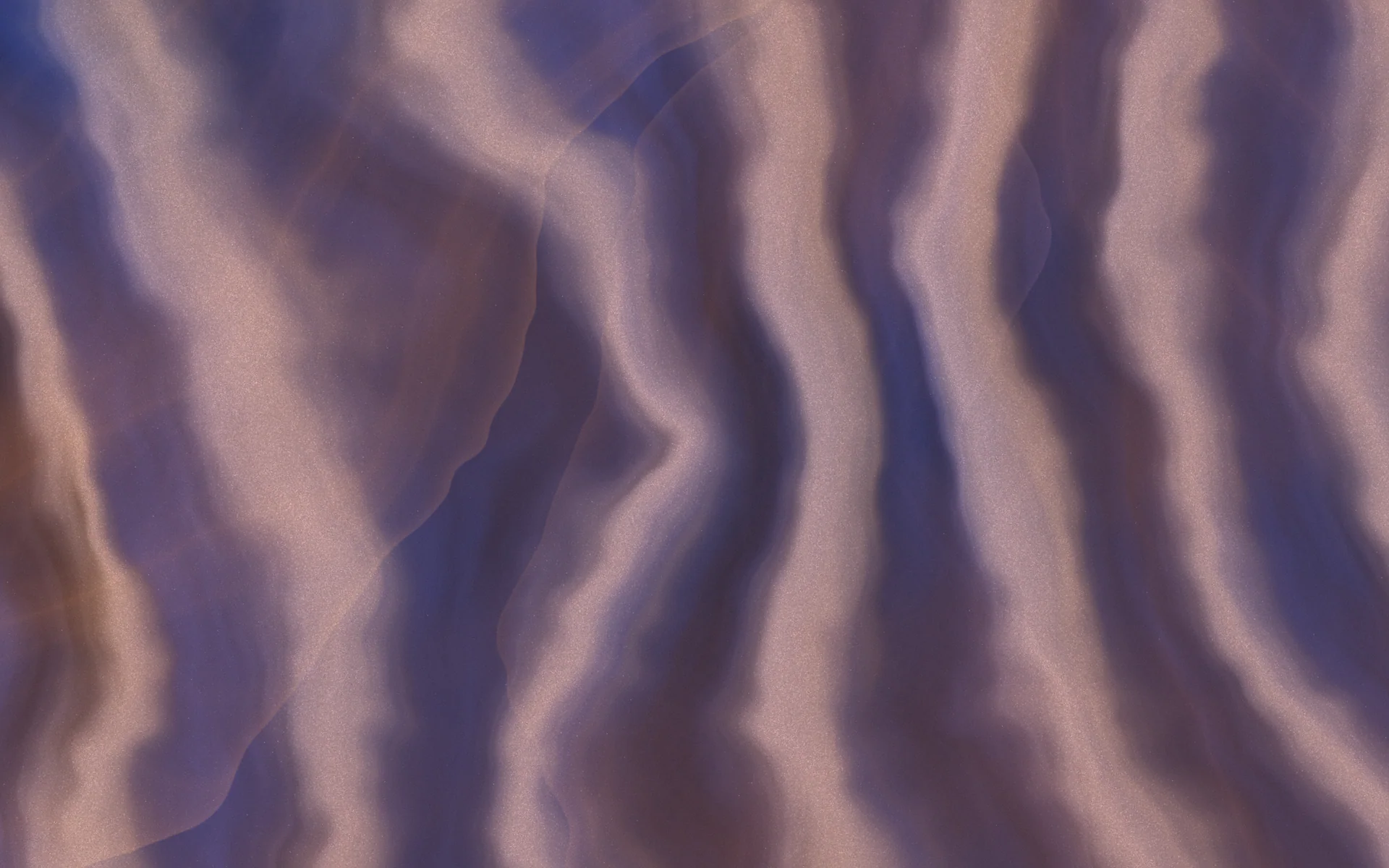
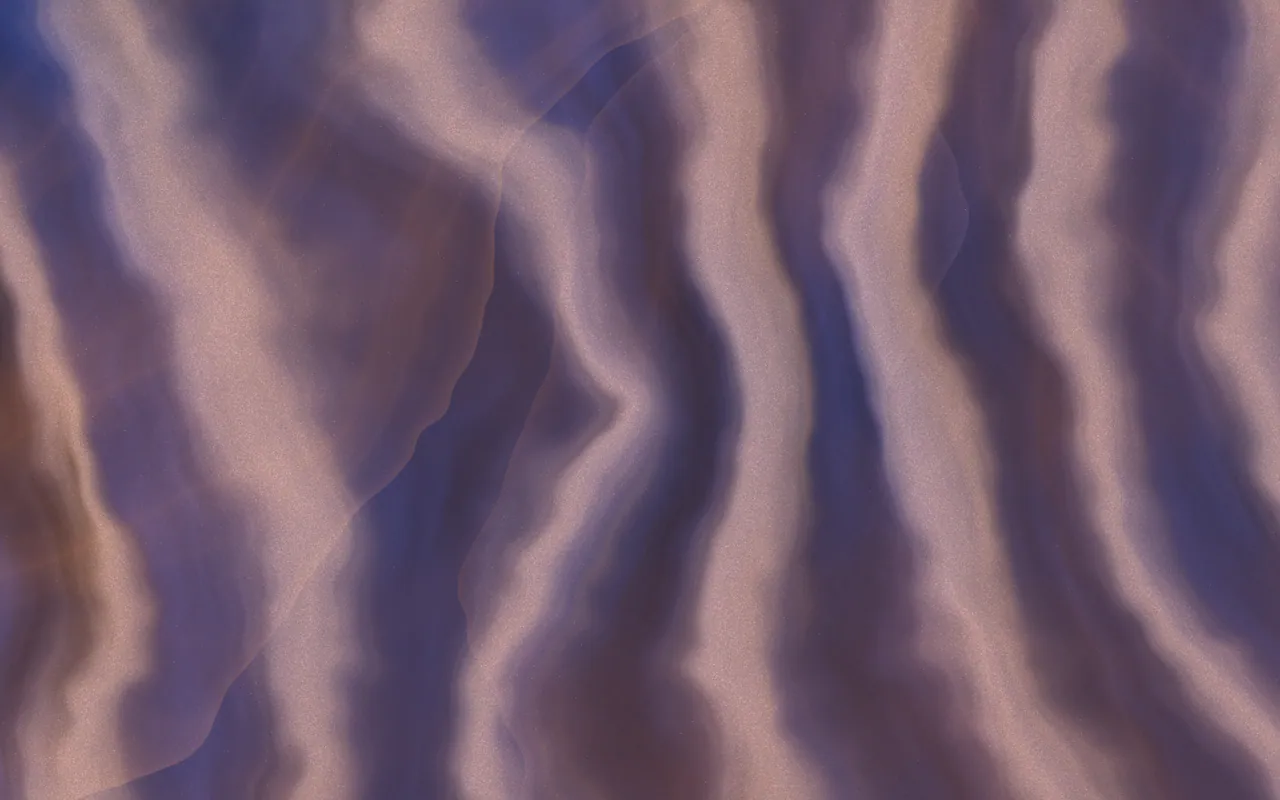
Gradiently's Marks are shader gradients. Each Mark is a recipe of colours, up to three stacked materials, light, grain and motion, and the Studio draws it live with WebGL2 behind whatever you design. Because it is computed rather than stored, the same Mark renders sharply at any of the platform sizes and moves when you export a looping video. The renderer also knows where your words are, so it can move the calmest part of the field behind them. What is a Mark explains the recipe in full.
GR·2BAQ·CR
Thistle Mosaic
See this MarkQuestions people ask
What is a WebGL gradient?
It is a gradient drawn by a shader, a small program running on the graphics chip that calculates the colour of every pixel. Because it is a formula, it can move, add grain and render at any size.
Is a shader gradient bad for performance?
A still or paused shader costs little, but an animating one keeps the GPU busy while it is on screen. Pause it when it is out of view, draw at a sensible resolution and keep a CSS fallback.
Can I make a shader gradient without coding?
Yes. Several design tools generate shader backgrounds from controls, and Gradiently's Forge builds Marks, which are shader gradients, from a sentence or control by control.
Do shader gradients respect reduced motion settings?
Only if they are built to. Check the prefers-reduced-motion media query in JavaScript and draw a single still frame when it is set.
What is GLSL?
GLSL is the shading language WebGL uses. Fragment shaders written in it decide the colour of each pixel, and the browser compiles them for the graphics chip.
Written by Gradiently
The team behind Gradiently, a design tool built around Marks: living gradients that make everything you design look like yours.
See our profile